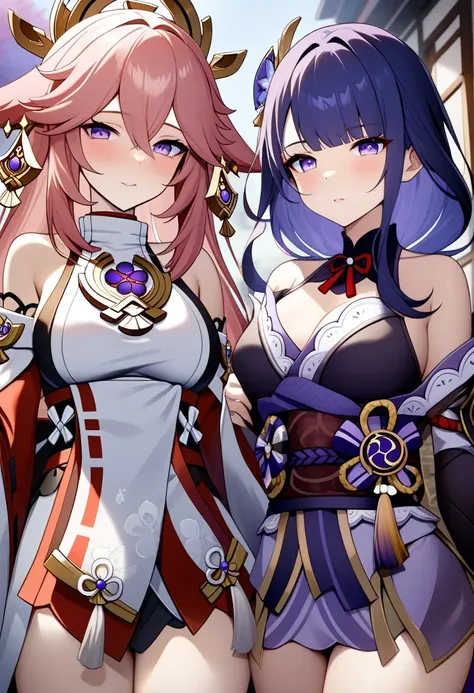
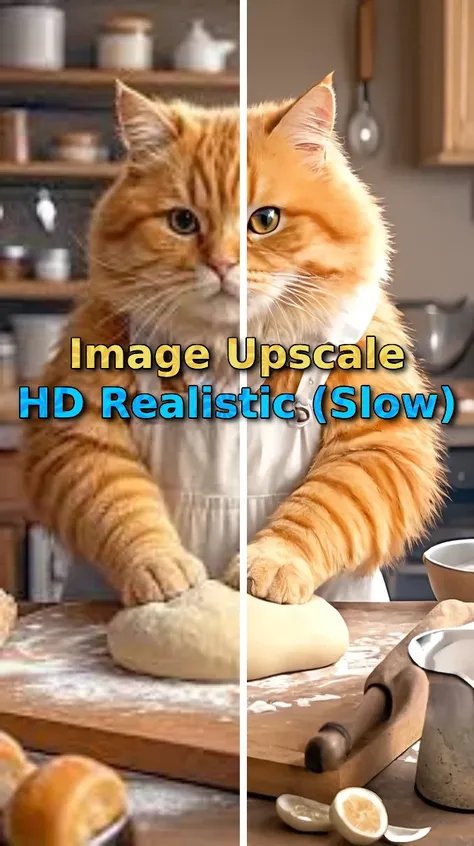
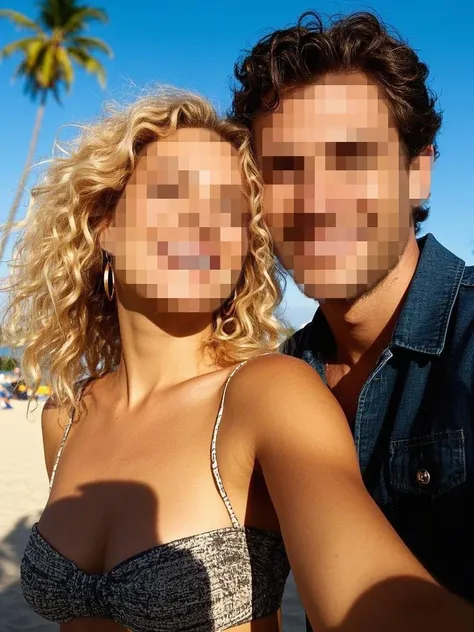
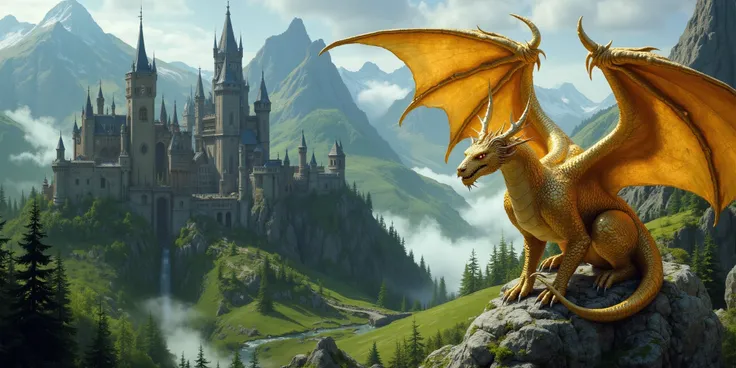
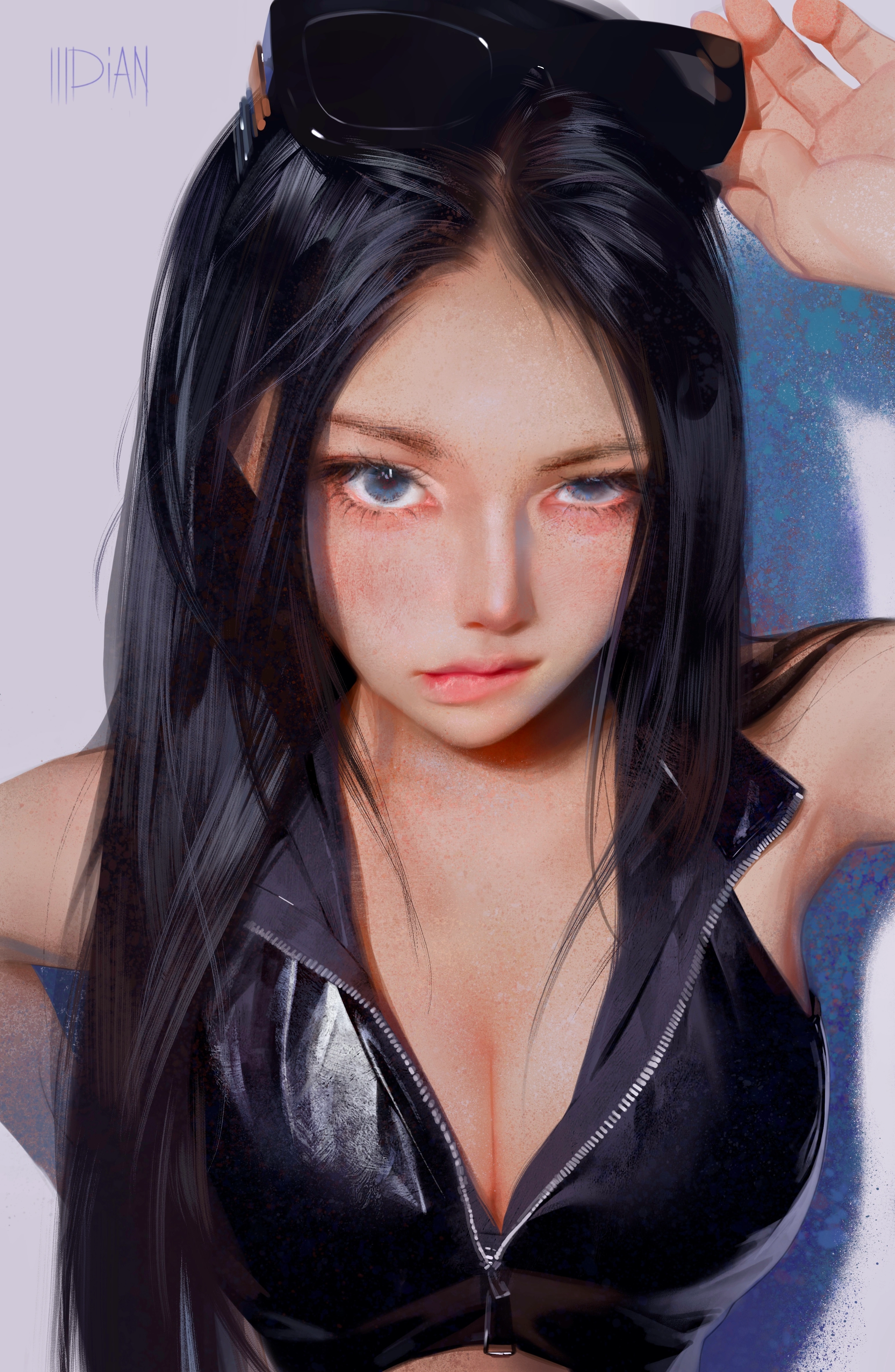
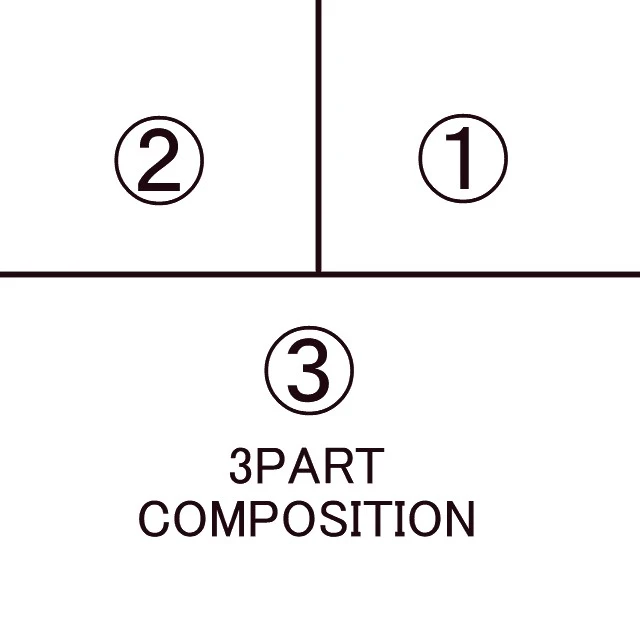
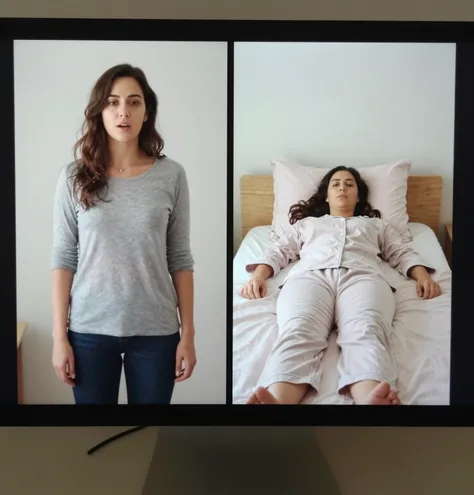
The generation time is placed at the top for easy comparison.📖Report on my experiment①Difference between Describe with ai and taghttps://www.seaart.ai/articleDetail/d09h2ste878c73bo0hl0②How to get ideas for prompt words(tag) from imageshttps://www.seaart.ai/articleDetail/d06ssvde878c73epcnf0💖Generate tags from images⌛️It takes about 10 seconds to upload an image.・If you can't think of a word that corresponds to the prompt word・If you want to check tags for rare images・If you want to check what kind of tags are generated for images of peopleThe following are default values.Adjust the placement after generation.Text Color:4Back Color:7💖Color listRed:0,Orange:1,Yellow:2, Green:3, Cyen:4, Blue:5, Purple:6, Black:7, White:8, Pink:9 The tag threshold is set to 0.09, so many tags are output.💖You can choose the placement of tags. The finished image on the left is your image. The image on the right is an image generated with tags (9:16).Since it will be composited, your image will have a 9:16 ratio.If you want to change the ratio, please change it.If you want to generIf you want to generate an image of only tags, please switch the function.💖Caution: Text may overflow.Increase font size than defaultIncrease line heightIf the number of characters: 656, number of words: 93, number of tokens: 163 are exceededIncrease padding💖SettingsThe tags are well balanced.💖Default★Aspect ratio: 9:16, 5776px, 1024px★Font size: 40px (header 50px)★Line height: 0.9★Character count: 656, Word count: 93, Token count: 163💖TextText alignment: leftPosition: centerPadding: 20px, 20pxCoverage: 100%💖Comparing tag words by threshold💖Setting the thresho0.091 girl, solo, long hair, , looking at viewer, blushing, smiling, shirt, , skirt, black hair, dress, mouth closed, , bare shoulders, medium size , brown eyes, standing, collarbone, white shirt, thighs, cowboy shot, lips slightly parted, shorts, sleeveless, indoors, artist name, nail polish, mole, blurry, black eyes, nails, lips, head tilted, mole under eye, sleeveless shirt, arm, blurry background, makeup, , depth of field, white skirt, lipstick, pale skin , apart, pink nails, high waist skirt, white shorts, legs together, shirt tucked in, arms at sides, nose, realistic red lips, with visible veins, photorealistic,0.3One girl, solo, long hair, , looking at viewer, smiling, shirt, skirt, black hair, mouth closed, , bare shoulders, medium sized , brown eyes, standing, collarbone, cowboy shot, shorts, sleeveless, nail polish, blurry, black eyes, nails, lips, sleeveless shirt, arms out, blurry background, white